Google SERP Snippet Preview Tool (SERP Simulator)
Check how your title tags and meta descriptions appear in Google search results.

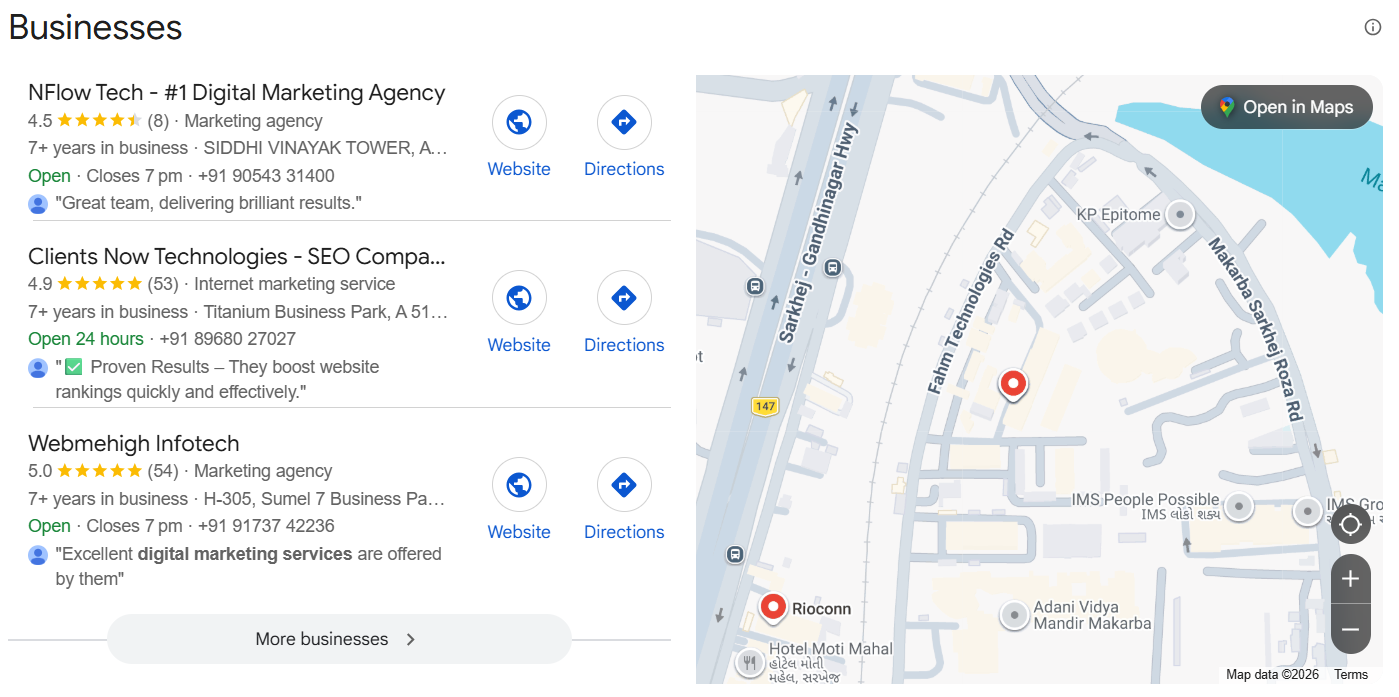
Ad: NFlow
Why the Search Result Preview Decides Whether Anyone Clicks
Your page competes for a click inside a single crowded result. Before anyone reads your content, they read three things: the title, the URL, and the description. If those do not answer their question clearly, they move to the next result. The preview is your first conversion moment, and it happens entirely within the search page.
Length is the silent variable. Google truncates titles and descriptions at pixel based limits, not character counts. A title that looks fine in a spreadsheet can be cut off mid sentence in the results. Simulating the real layout shows you exactly where the text breaks, so your key message lands before the cutoff.
Searchers scan, they do not read
Behavioural research on search suggests users scan rather than read, choosing results that match their query and look credible. A title that mirrors the user's language, a description that states the benefit, and a clean URL all increase the chance of that click. Small copy changes in the preview can lift click through rates without a single change to the page itself.
How to Simulate and Refine Your Search Listing
Enter your title, URL, and description in the fields. The simulator renders them as Google would, with the brand name, favicon, and the pixel accurate truncation that real results show. Keep editing until the display matches your intent.
Watch the measurement bars as you edit. They show how close your text is to the display limit and warn you before important words fall off. Use the match type and separator options to preview different keyword formats if you are testing variations.
When the listing looks right, use the same copy in your CMS. Check the live result in Search Console after indexing to confirm nothing changed in rendering. The preview you approved is the one your audience should see.